Change the look of your Power Map
There are several ways to give your Power Map a different look. Two of the quickest are changing the theme and showing map labels. You can also change the color for one or more data series.
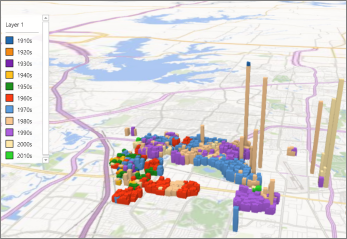
Power Map with the default theme
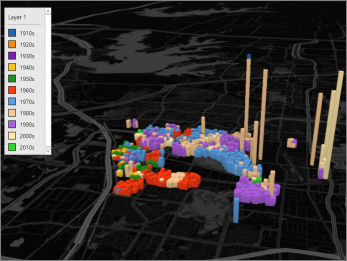
Same Power Map with the Color Black theme
Change the Power Map theme
Click Home > Themes, and pick the theme you want.
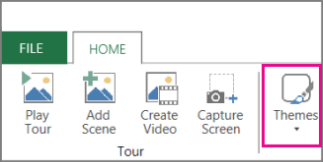
Tip: Some themes contain generic road maps and some contain high fidelity satellite images. Try experimenting with the different themes to achieve specific effects in your Power Map.
Show map labels
Click Home > Map Labels.

Tip: Map labels can be shown or hidden for each scene. If the labels make your Power Map look cluttered, try hiding them for that scene.

No comments:
Post a Comment