Remove a drop-down list in Excel 2016 for Mac
If you no longer want a drop-down list in your worksheet, you can remove it.
-
Select the cells that have the drop-down list.
-
On the Data tab, click Data Validation.
-
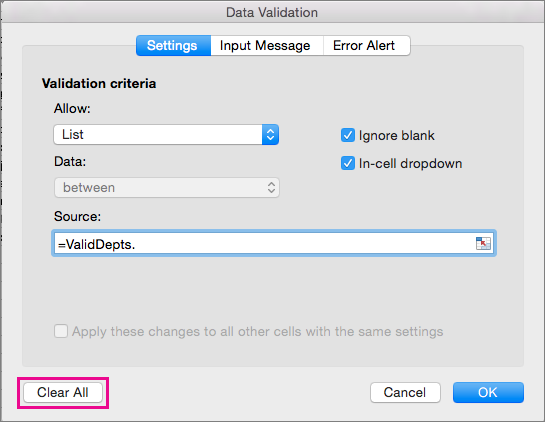
On the Settings tab, click Clear All.
If, instead of deleting it, you decide you want to change the options in your drop-down list, see Add or remove items from a drop-down list.

No comments:
Post a Comment